Grow A Garden
Grow A Garden
4.9Gameplay Video
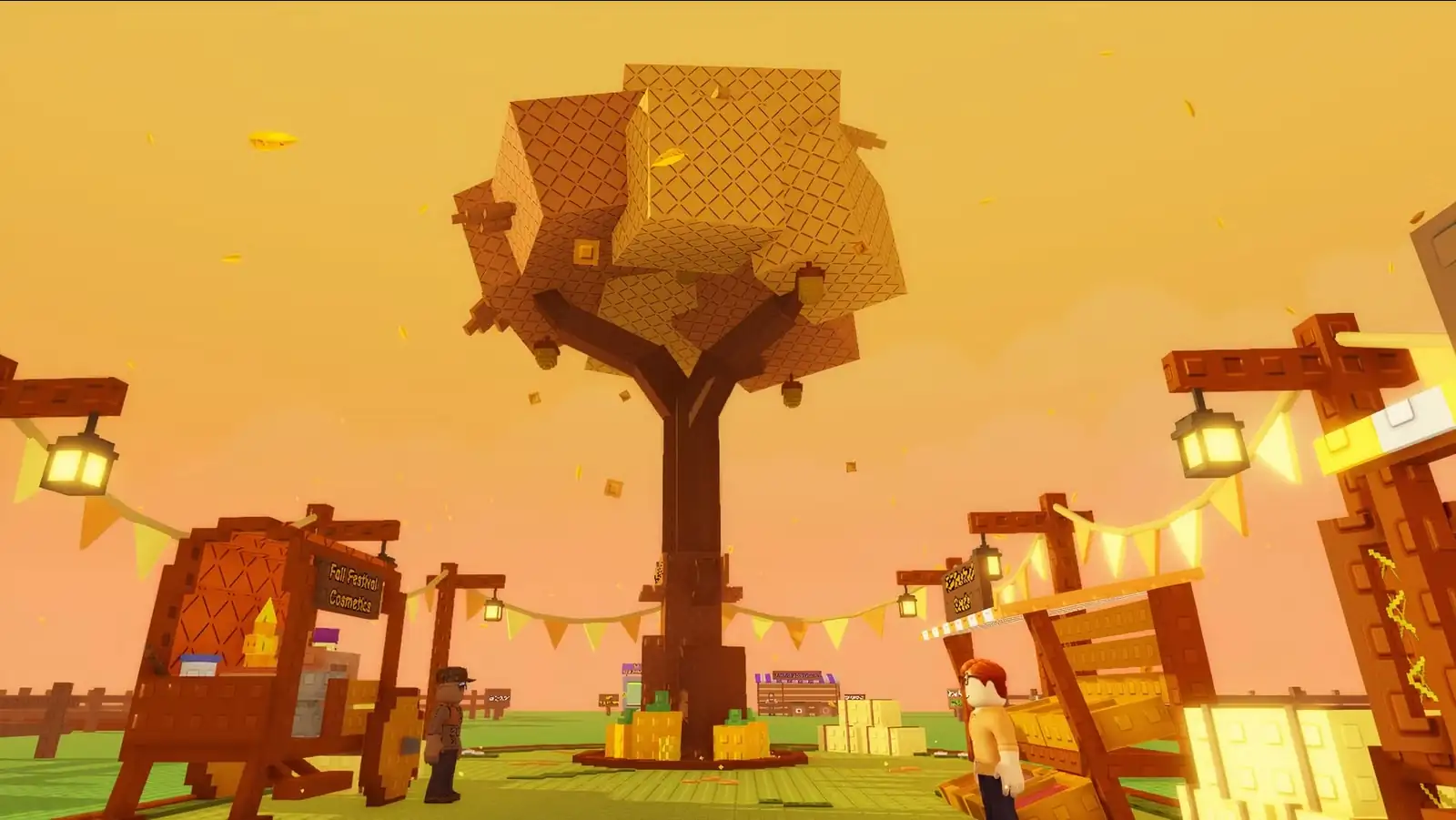
Grow A Garden is a cozy, massively popular Roblox farming experience that blends idle progression with social play, letting you grow crops, raise pets, and customize your plots in a shared virtual yard. The game exploded onto Roblox in early 2025 and quickly set records for concurrent players, becoming a touchstone for casual, low-stress gaming on the platform. If you like peaceful, garden-centered sims, you’ll find a deep, evolving loop in grow garden that rewards consistent care and community trading. For a related title, check Orbit Kick.
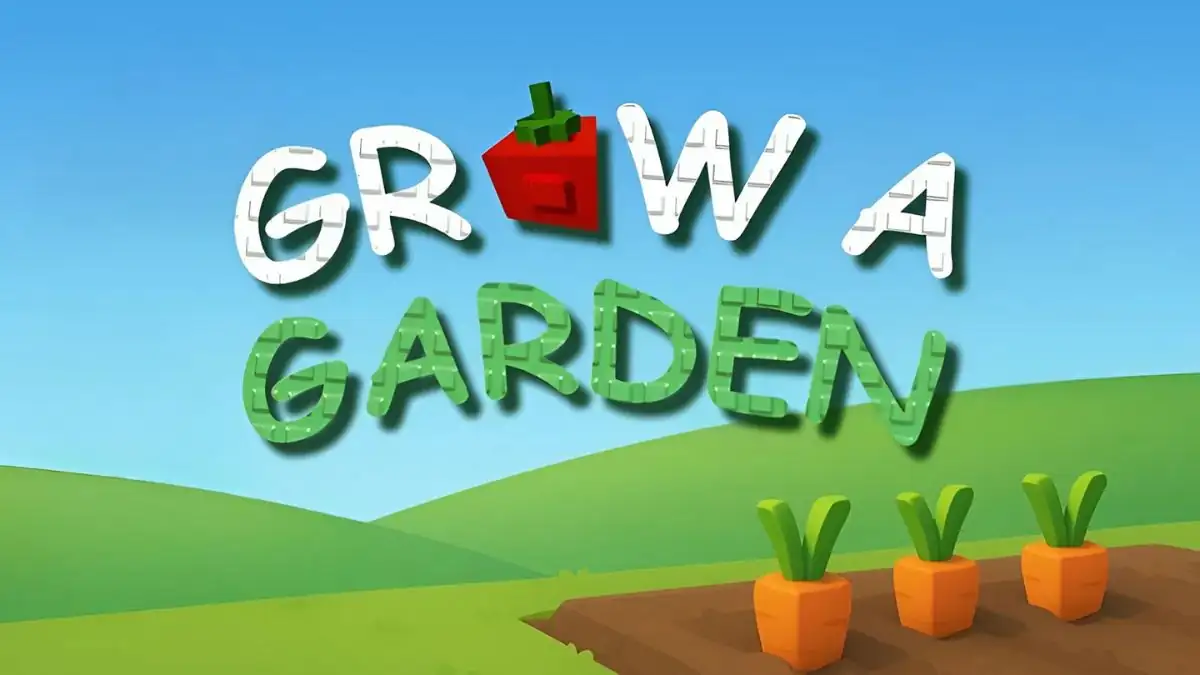
Table of Contents
About
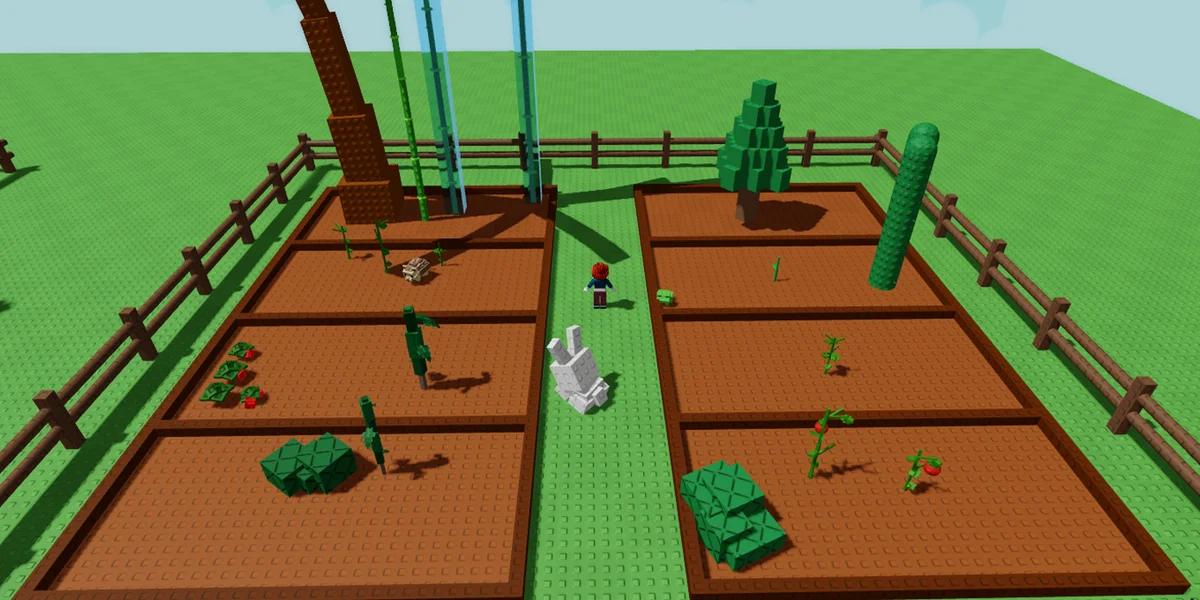
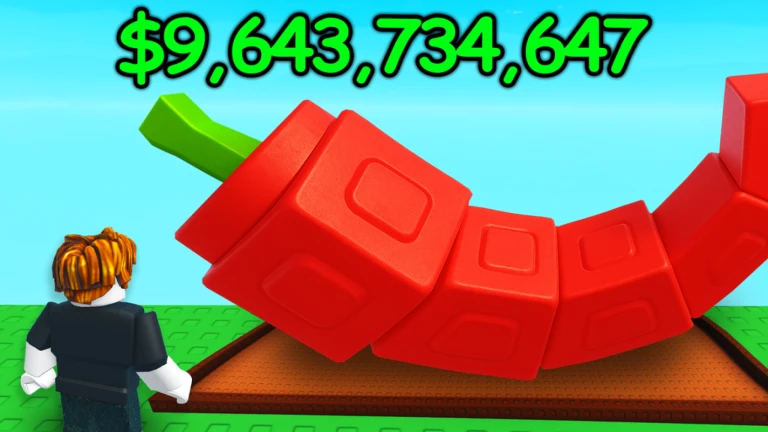
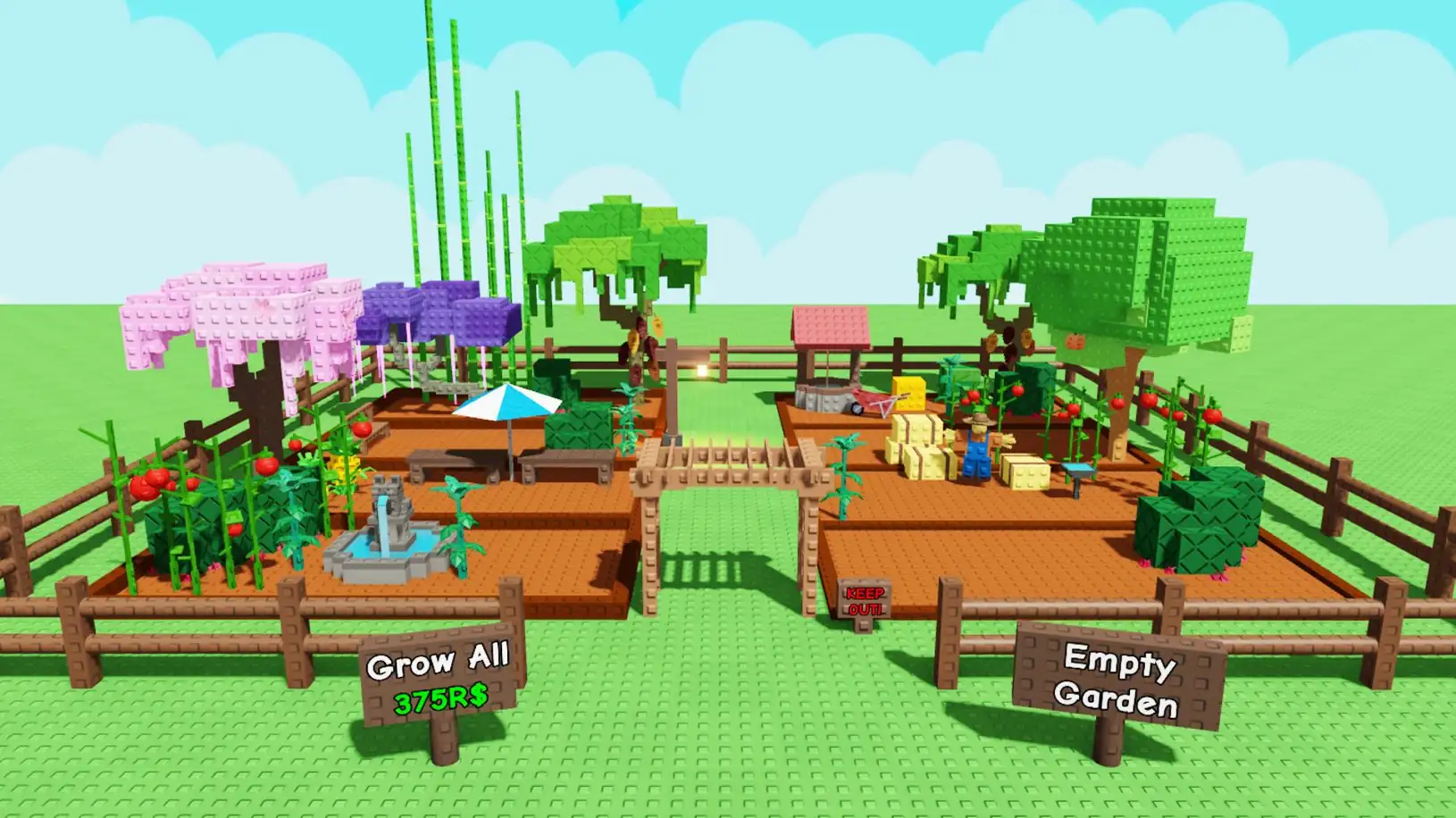
Grow A Garden is a free-to-play multiplayer idle farming game built on Roblox. It tasks players with tending shared plots, buying seeds, and harvesting crops to earn currency and unlock more content. The title gained enormous attention for its rapid growth in player numbers and its social, event-driven design. Players can level up their plots, obtain pets, and participate in ongoing weekly events, all while the game continues to generate progress even when you’re offline. This combination of accessible mechanics and social activity helped it become one of the platform’s most talked-about titles in mid-2025.
Game Overview
| Name | Grow a Garden |
|---|---|
| Developer | BMWLux and Splitting Point Studios (co-owned); Do Big Studios holds a minority stake |
| Type | Idle / Farming Simulator (multiplayer) |
| Core Concept | Cozy, garden-focused management on Roblox; plant seeds, harvest crops, trade items, and grow your virtual green space |
| Release Date | March 26, 2025 |
| Platforms | Roblox (PC, mobile) |
| Modes | Multiplayer, Cooperative play |
| Single-Session Length | Variable; designed for short to extended sessions |
| Cross-platform | Yes (Roblox supports cross-platform play) |
| Progression | Plot upgrades, seeds, pets, mutations, limited-time events |
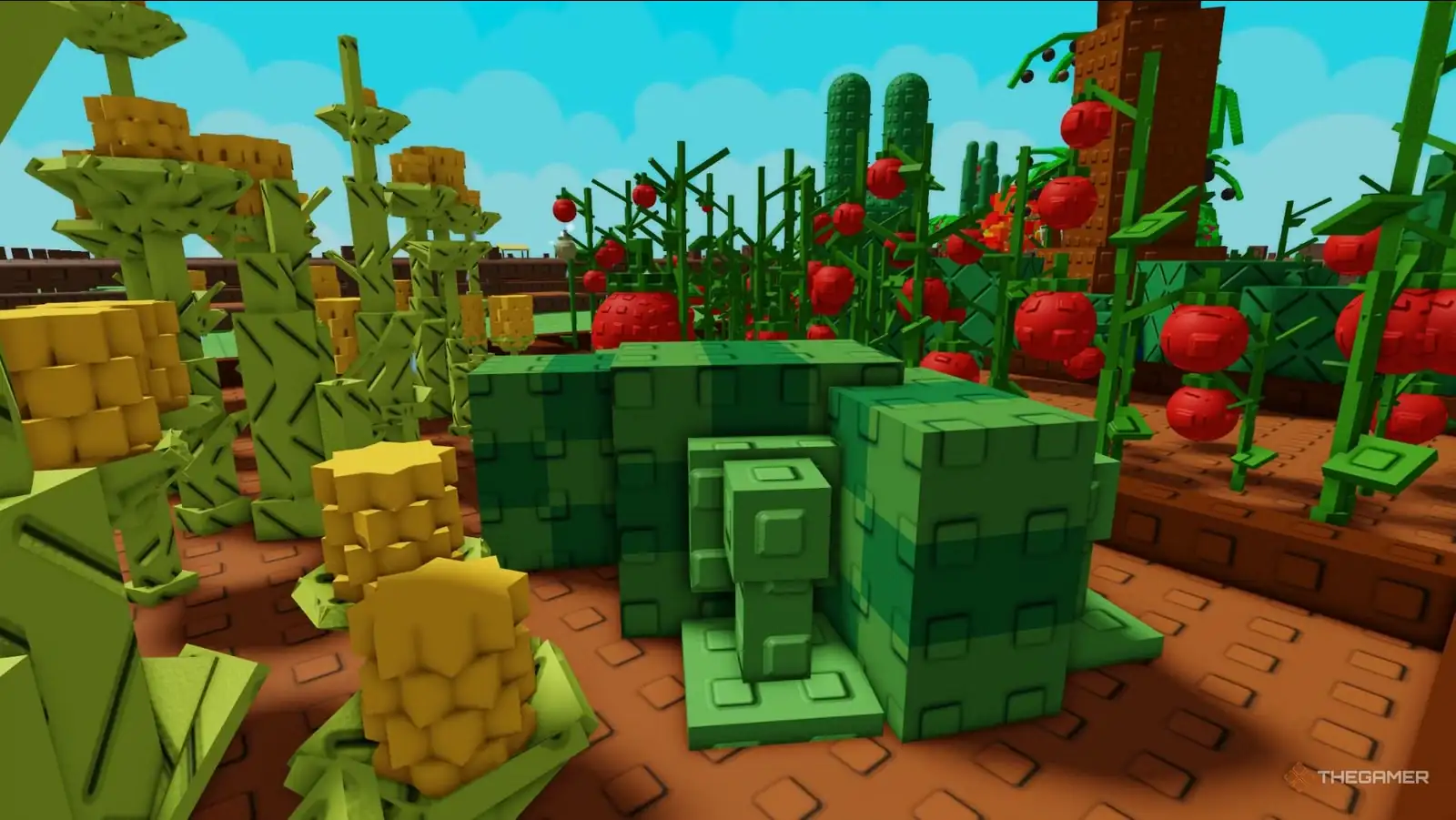
| Art Style | Low-poly, calming Roblox aesthetic with gentle soundtrack |
| Monetization | Free-to-play with optional Robux monetization and cosmetic items |
| Audience | Casual players, Roblox fans, families, gardeners-at-heart |
How to Play
- Start by entering Roblox and locating Grow A Garden, then claim a plot to begin your first garden. Seed selection and planting are your first steps to a thriving yard. Expect crops to grow over time, and remember that some growth continues even while you’re away, so you can return to harvest a healthy harvest later. This offline-progress mechanic is a core hook of grow garden.
- Use the in-game currency (often earned by harvesting and selling crops) to purchase new seeds, upgrade plots, and unlock decorative items. Early farming typically focuses on quick crops to establish a steady income stream that funds bigger experiments later. In grow garden, progression is tied to expanding your plots and diversifying crops.
- Pets can be obtained through loot-like drops, and they provide various bonuses that can boost crop yield or reduce wait times. Pets form a key part of the growth loop in grow garden, adding a light collectible dynamic to the routine of planting and harvesting.
- Events and updates arrive regularly (some with distinct themes and rewards), which help sustain engagement when you’re playing grow garden over weeks or months. Roblox game events and seasonal updates have been a hallmark of the title’s ongoing lifecycle.
- If you’re hunting for a quick head start, you can check community resources like the game’s Discord for codes and time-limited items that can speed up progress in grow garden. Codes are commonly distributed to reward active players and communities.
Features
- Cozy, low-stress gameplay designed for relaxed play sessions in grow garden.
- Offline progression that keeps your garden growing even when you’re not playing.
- Shared plots and social interactions; players can trade and visit each other’s gardens.
- A wide variety of seeds, from quick-flowering crops to more valuable harvests, to shape your long-term strategy in grow garden.
- Collectible pets that provide practical bonuses and cosmetic flair for your garden spaces.
- Limited-time events and weekly updates that bring new seeds, items, and cosmetics to grow garden.
- Simple monetization through Robux for cosmetic content, with a truly free-to-play core experience.
Evidence of the game’s design emphasis on community, event cadence, and ongoing content is reflected in reporting on its growth, concurrent-player milestones, and media coverage of its updates.
Advice and Techniques
- Start with fast-growing crops (carrots, strawberries) to quickly seed your income, then reinvest into new seeds and pets. Practical grow garden growth paths emphasize building a steady cash flow early on to fund expansion. One community resource notes short crop cycles that are ideal for beginners.
- Prioritize mutations and unique seeds when available. Mutations can boost crop value, creating a premium tier of harvests to chase as you become more experienced in grow garden.
- Engage with weekly events; these events often yield exclusive items and currency bonuses that accelerate your garden’s growth in grow garden. Staying active during events is a smart way to push your plot forward.
- Use pets strategically to maximize yields or reduce waiting times, but balance their cost with your cash flow as you grow in grow garden. Pets are a central mechanic in the progression loop and can be a differentiator for experienced players.
- Join the official Discord or other community channels to catch the latest codes and announcements for grow garden. Codes can grant free items and boosts, which helps new players accelerate early progress.
- If you’re curious about the broader genre, exploring similar lightweight titles like those highlighted on related pages can provide context for how grow garden fits into the Roblox ecosystem. For example, explore other arcade- or sandbox-style entries to see how social and progression mechanics compare. You can start with related picks like Orbit Kick and other lightweight titles in the community roundups. See also the linked community spotlight and related titles on the Orbit Kick network.
FAQ
- Is Grow A Garden free to play? Yes, the Roblox version is free to play, with optional in-game purchases that speed progression or customize visuals.
- Can I play Grow A Garden on mobile? Yes. Roblox supports cross-platform play, including mobile devices, so you can garden on the go.
- Are there codes for Grow A Garden? Codes are commonly released through the game’s Discord and official channels; you can redeem these for items or boosts.
- How do I get pets in Grow A Garden? Pets are obtained via loot-style drops; they provide various bonuses to crops or growth rates in grow garden.
- Where can I find updates and announcements for Grow A Garden? Updates and events are typically announced within Roblox pages and the game’s community channels; sources covering Roblox updates often reference grow garden’s ongoing event cadence.
Other Games Worth Trying
From the list of related titles provided, here are three similar experiences you might enjoy after playing grow garden:
- orbit kick: A compact arcade action game with quick rounds and accessible mechanics that pair well with the rapid, pick-up-and-play vibe of grow garden.
- bounce path: A puzzle-leaning platformer where timing and precision drive progression, offering a contrasting pacing to grow garden’s relaxed farming loop.
- ragdoll playground: A sandbox-style playground with playful physics that scratches a similar itch for creative, lighthearted play as grow garden does for gardening fans.